Best Invoicing Software for Small Businesses in 2026: What to Compare
A practical, vendor-neutral checklist for comparing invoice software by pricing, payments, estimates, security, and workflow fit.
Define what your business needs before comparing brands
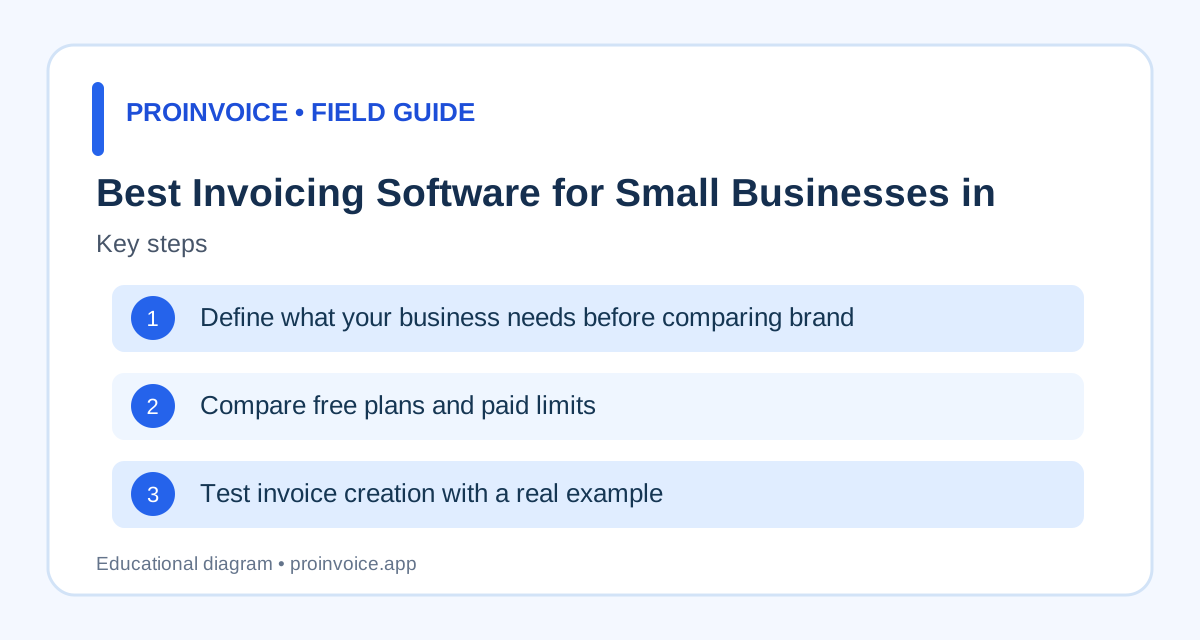
The best invoicing software depends on what you sell and how you collect payment. A consultant sending five invoices a month has different needs from a contractor collecting deposits and milestone payments. List your current steps: preparing estimates, approving work, creating invoices, sending documents, collecting payments, and reconciling bank deposits. Identify which steps cause delays or errors. Decide whether you need recurring billing, multiple users, project tracking, or customer records. A large feature list is not automatically valuable if it complicates everyday work. Ask whether the software supports your actual billing model rather than assuming every invoice app does everything. Start with ProInvoice features as one product example, then compare equivalent workflows across other vendors using their current documentation.
Compare free plans and paid limits
Look beyond the headline monthly price. Check invoice volume limits, customer limits, branding restrictions, user seats, recurring billing, estimate features, and whether PDF export or sending requires an account. Some products offer permanent free plans, others time-limited trials, and others free templates with paid workflow tools. These are materially different offerings. Check annual versus monthly billing, cancellation rules, and the price of adding staff. Payment processing fees may apply even when the invoicing software is free. A vendor's pricing can change, so verify terms on the official site on the day you decide. ProInvoice's pricing page describes its current plans; evaluate it alongside other providers' published terms rather than relying on old comparison tables.
Test invoice creation with a real example
Create an invoice for a typical customer using the same details in each product. Include at least three line items, a discount or deposit, a due date, and a purchase order reference if your customers require one. Time the process and check whether the final document is readable on a phone. Look for unnecessary fields, confusing buttons, or totals that are difficult to verify. Confirm whether the system lets you correct an invoice while preserving a useful record of changes. A polished dashboard does not guarantee a good customer-facing invoice. If you work across several service locations, test job addresses and project references. Compare the resulting documents against the invoice template library to identify fields your business cannot do without.
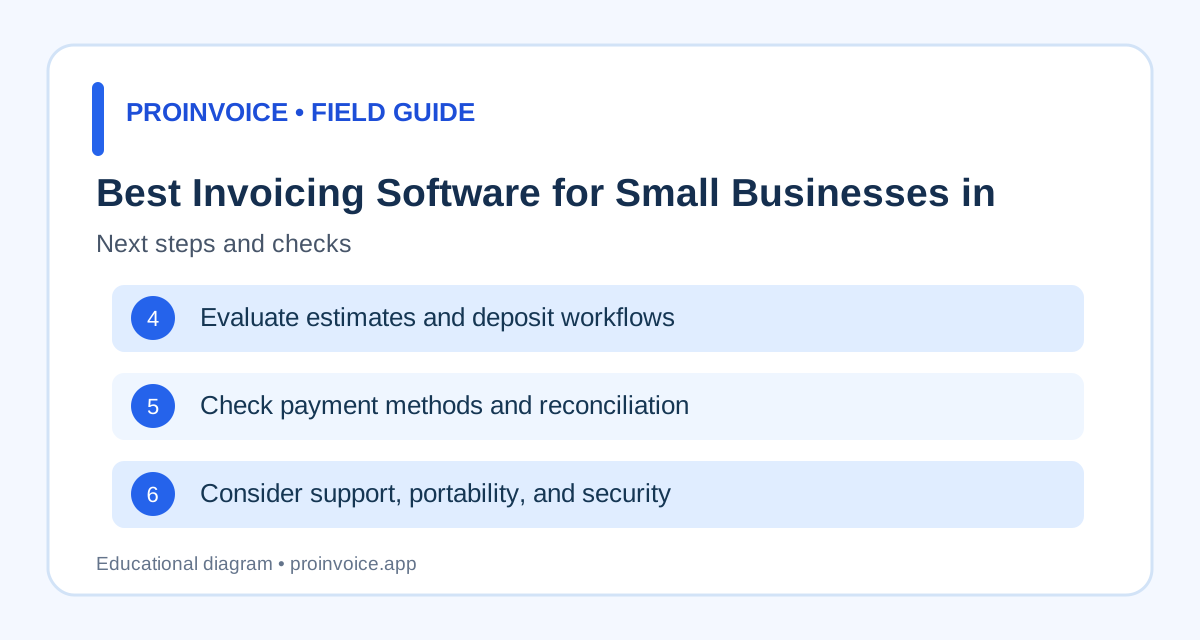
Evaluate estimates and deposit workflows
Businesses that quote work before billing should test the complete estimate-to-invoice process. Can you describe scope and exclusions, record customer acceptance, and issue the right invoice at the agreed milestone? Does the system credit a deposit correctly? If a $4,000 project has a $1,000 deposit, the remaining balance should be $3,000 before changes and taxes. Check whether approved change orders are documented and reflected in later invoices. A processor accepting money does not prove the invoicing app tracks the balance accurately. For construction and field services, this workflow may matter more than decorative invoice themes. Review estimate templates, deposit collection, and progress billing when defining your test cases.
Check payment methods and reconciliation
Find out which payment methods are actually available for your business location and customers. Card acceptance, bank payments, wallets, and international payments can depend on provider and configuration. Ask whether the software uses a connected processor such as Stripe and which features are supported through that integration. Test a successful payment, a failed payment, and a partial payment using supported testing methods. Verify that invoice status updates correctly and that refunds can be reconciled. A processor payout may combine transactions and deduct fees, so compare gross payments against bank deposits. Avoid selecting software solely because it advertises fast payouts without checking your account's actual schedule. The payment links guide covers related considerations.
Consider support, portability, and security
Ask how you will retrieve invoices and customer records if you stop using the software. Check available export formats and whether documents remain accessible after cancellation. Review access controls for employees, authentication options, and the way connected payment accounts are authorized. Sensitive card data should not be stored in ordinary notes or emailed to customers. Test customer support with a concrete question before committing to a complex migration. Read the vendor's current security and privacy documentation rather than assuming a badge means every workflow is secure. For businesses with several staff members, define who can issue refunds or change payment instructions. The payment security guide provides relevant questions to ask.
Build a weighted comparison instead of naming a universal winner
Score each candidate against your own priorities: invoice accuracy, customer experience, estimates, deposits, payment methods, reporting, price, support, and data export. Weight the criteria according to your work. A freelancer may prioritize low administration and international payments, while a contractor may prioritize job references and progress billing. Use actual demonstrations and current vendor terms, not unverified claims about competitor features. Document any deal-breaking limitation before migrating customer records. Recheck pricing before purchase because 2026 plan details may change. The best software is the one that reliably supports your billing process at a cost you understand. Explore ProInvoice pricing and get started if its workflow appears to fit.
Why the cheapest plan may cost more in practice
A plan's subscription price is only one part of its total cost. Estimate the number of invoices, users, payment transactions, and hours spent on administration each month. If a low-cost product requires manual reconciliation or repeated data entry, compare that labor with a more capable alternative. Conversely, do not pay for inventory management, advanced accounting, or enterprise controls you do not need. Check how processing fees affect larger invoices and whether customers prefer bank transfers. A $5,000 card payment can have a different economic impact from a $50 payment, depending on the applicable rate. Build your comparison using real transaction amounts and current vendor terms. Avoid assumptions about unlimited invoices, free payment acceptance, or automatic synchronization until those claims are verified for the specific plan and integration.
How to evaluate invoice reminders
Automated reminders can help, but they can also damage trust if they are inaccurate. Test whether a reminder stops after payment and whether it uses the correct remaining balance after partial payments. Check whether the customer receives a reasonable message with the invoice number, due date, and secure payment instructions. If an invoice is disputed or a payment is being investigated, the system should allow an appropriate pause or manual review. Ask whether reminder schedules are configurable and whether the feature is included in the plan you are evaluating. Avoid treating reminder delivery as proof that the customer received or read it. A good reminder system reduces routine follow-up without sending repeated incorrect demands. For businesses with high-value relationships, human review may remain appropriate for overdue accounts.
Test the complete customer journey
A vendor demonstration often highlights the dashboard, but the customer experience deserves equal attention. Send a sample invoice to an address you control and open it on a phone. Confirm that the business identity, service description, total, due date, and payment options are easy to understand. If a hosted payment page is used, check the merchant name and amount. Review how the customer receives a receipt after successful payment and whether the invoice balance updates correctly. Test what happens when a payment fails or the customer pays outside the system. If the workflow requires the customer to register, consider whether that is acceptable for your audience. The best interface for the business owner is not necessarily the easiest one for the customer who must approve and pay the invoice.
Migration questions before you switch providers
Changing software can create problems if historical invoices, customer contacts, or payment records are difficult to export. Ask whether you can retrieve issued PDFs, invoice line items, customer details, and payment history in usable formats. Determine whether old invoice links will continue to work and what customers should do with outstanding balances during the transition. If you use a connected payment processor, verify whether the account remains yours independently of the software subscription. Plan a cutover date and avoid sending duplicate payment requests from two systems. Reconcile open invoices before and after migration. Keep legally required records and avoid transferring sensitive data through unsecured files. A trial with a small number of customers can reveal limitations before you commit the entire business.
Compare software using a scoring worksheet
Create columns for essential features, importance, tested result, subscription cost, processing fees, and unresolved questions. Score only capabilities you have verified, not claims inferred from marketing pages. A contractor may assign high importance to deposits and job references, while a consultant may prioritize recurring invoices and international payment methods. Mark a feature unavailable if it requires a higher plan than you intend to purchase. Include data export and customer support because those become important when something goes wrong. Review the final scores alongside the actual monthly cost and your staff's feedback. If two tools perform similarly, choose the one with clearer records and fewer steps in your most common workflow. Revisit the comparison when your business changes rather than assuming one choice remains best forever.
Compare invoicing tools for recurring service businesses
A recurring service business needs to distinguish predictable contract charges from variable extras. A cleaning company might bill a monthly maintenance fee and separately bill approved deep cleaning. A landscaper may charge regular visits while adding seasonal work. Test whether the software can create recurring invoices without copying old descriptions or charges that no longer apply. Confirm that customers can identify the billing period and that canceled services do not continue generating bills. Ask whether the product tracks partial payments and credits against the right invoice. If the customer changes properties or service frequency, determine how that update affects future invoices. An automated schedule that sends inaccurate bills creates more work than it saves. Compare each vendor using a recurring customer with a real service change, not only a simple monthly example.
Assess invoice reporting and cash-flow visibility
A business needs to know more than how many invoices were sent. Useful reports distinguish drafted, issued, overdue, partially paid, and settled invoices. Check whether the software shows outstanding balances by customer and due date. If a customer paid through a processor, verify whether the report reflects the gross amount and whether fees are accounted for separately. Test how refunds and voided invoices affect totals. A report that counts a canceled invoice as collectible revenue can mislead planning. Ask whether data can be exported for bookkeeping and whether date filters use invoice dates, payment dates, or both. Review reports against a small set of transactions you can calculate manually. Accurate receivables information helps a business prioritize follow-up and avoid spending money it has not yet collected.
Avoid relying on unverified comparison claims
Software comparison pages often repeat outdated plan limits, prices, or feature claims. Before selecting a product, open the official pricing and help pages and confirm the exact plan, country, and integration. A feature may exist only on a higher tier or in a different product. An invoicing app may accept Stripe payments without supporting every Stripe payment method. A competitor may offer estimates but not the approval workflow your business needs. Keep notes on the date and source of each important claim. If you cannot verify a feature, mark it unknown rather than assuming it is available. An honest comparison should identify trade-offs and situations where different products fit different businesses. That is more useful than a list that declares one universal winner.