Free Invoice Software: What's Really Free and What Costs Extra?
Understand free invoicing plans, trials, PDF limits, payment processing charges, upgrades, and data export before choosing a tool.
Understand the different meanings of free
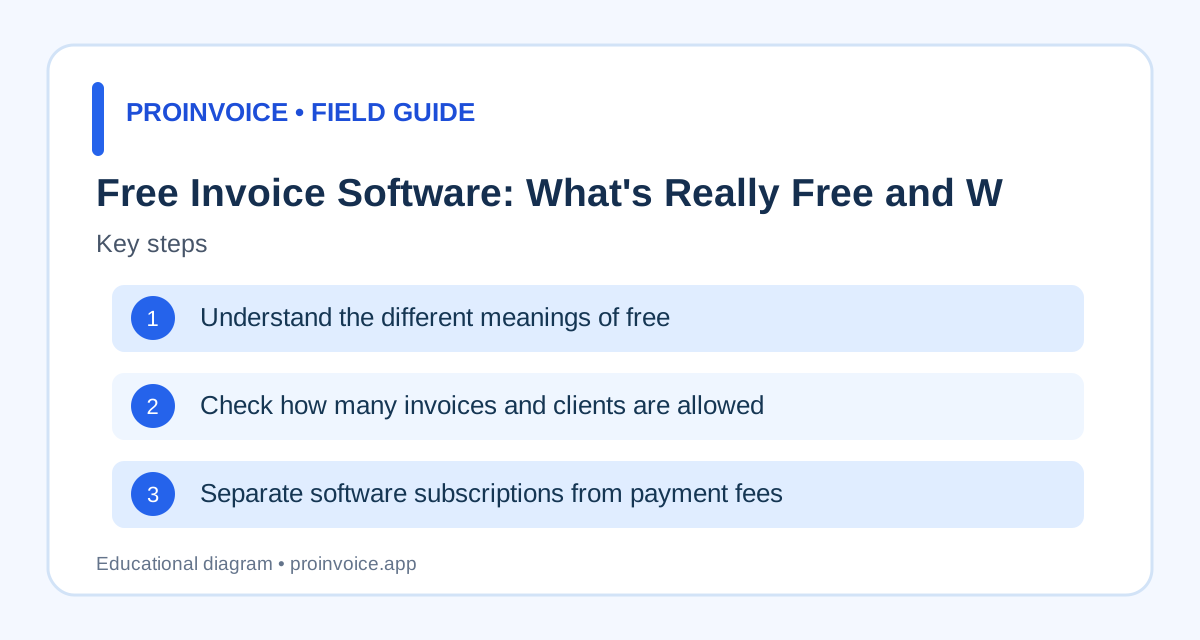
Free invoice software can mean several things: a downloadable document template, a browser-based generator, a permanent free account, or a short trial of paid software. These options are not interchangeable. A template may cost nothing but require manual recordkeeping. A generator may produce one invoice while charging for saved customers or emailing. A free plan may limit users, invoices, or features. A trial may automatically expire or require cancellation to avoid a charge. Read the current terms and check which actions work without signup. Avoid choosing a product because its landing page says free while the feature you need is locked behind payment. Compare invoice templates and ProInvoice pricing to distinguish document creation from account features.
Check how many invoices and clients are allowed
A small business may outgrow a free plan faster than expected. Determine whether there are monthly invoice limits, active customer limits, storage limits, or restrictions on recurring billing. A business sending ten invoices each month has different needs from one issuing hundreds. Also check whether an invoice counts toward a limit when drafted, sent, or paid. If you need multiple team members, confirm whether additional seats require an upgrade. Look at the price of the next tier before entering all your customer data. A free plan that meets today's needs may still be a poor fit if migration is difficult. Test the exact workflow with realistic sample customers and invoices rather than relying on a generic comparison chart.
Separate software subscriptions from payment fees
Payment processing is a separate cost from creating invoices. A provider may let you send invoices for free while charging a transaction fee when customers pay by card or other methods. Rates can differ by country, card type, currency, payment method, and account terms. Refunds, disputes, and currency conversion may have additional rules. Check the official provider pricing for the payment products you will use. As an illustrative calculation, a 3% charge on a $500 payment is $15 before any fixed or extra fees; this is not a claim about a particular processor's rate. If you mostly receive checks or bank transfers, evaluate those workflows separately. The Stripe versus PayPal guide explains how to compare processors without relying on stale pricing.
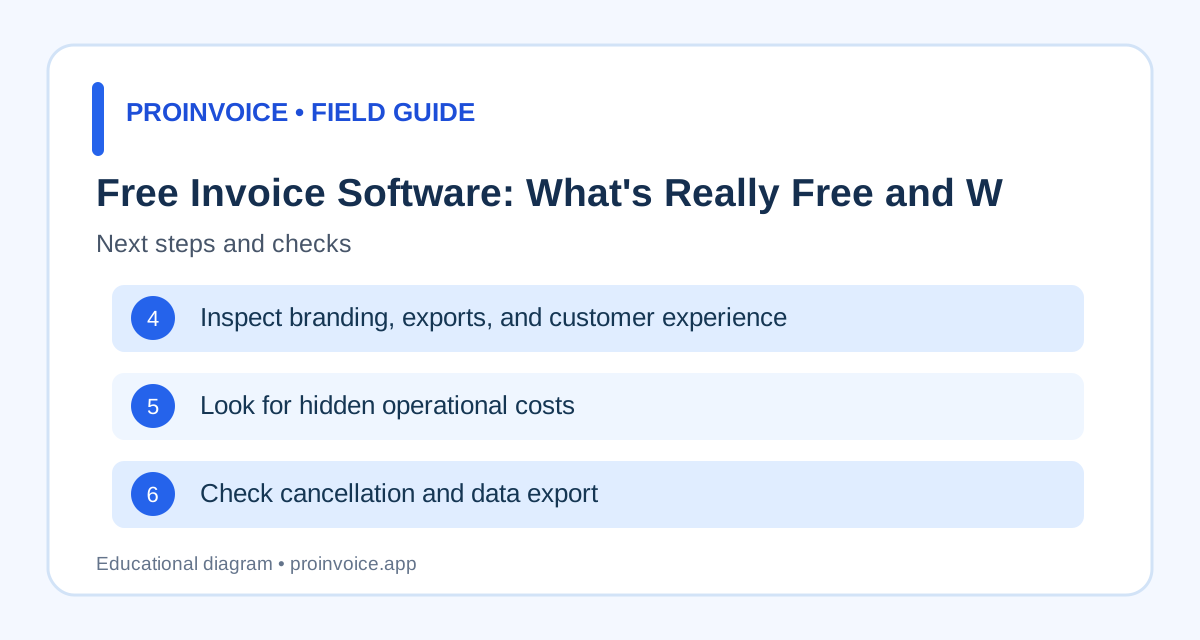
Inspect branding, exports, and customer experience
Some free plans add vendor branding, restrict PDF export, or limit the ways you can send invoices. These details matter when customers expect a professional document or need it for accounts payable. Create a sample invoice and inspect the PDF or customer view on a phone. Confirm whether the amount due and payment terms remain clear. Check whether the product requires the customer to register before paying or viewing the invoice, and whether alternate methods are available. Do not assume a free invoice template includes a free online checkout. Test the actual flow and read current feature descriptions. A clear customer experience may be worth more than an extra decorative template.
Look for hidden operational costs
Manual work has a cost even when software is free. Consider the time spent assigning invoice numbers, correcting spreadsheet formulas, copying customer details, and reconciling payments. If a manual invoice takes twelve minutes and a repeatable process takes six, fifty invoices represent five hours of potential time difference. That is a scenario calculation, not a guaranteed saving. Also consider the cost of errors: duplicate reminders, forgotten deposits, and invoices sent to the wrong contact. A paid plan may be worthwhile if it reduces these issues, but only after testing its actual behavior. Review invoice automation for a process-based approach to evaluating time savings.
Check cancellation and data export
Before committing to a tool, ask how you will retrieve customer records, invoices, and payment history if you change providers. A free account may offer limited export features, and a canceled subscription may affect access to historical documents. Confirm retention policies and export formats. Keep copies of important issued invoices and payment confirmations according to your legal and accounting obligations. If you connect a payment processor, understand whether that account remains separate from the invoicing subscription. Avoid storing secrets or complete card details in exported spreadsheets. Data portability matters even for a business with only a few customers because reconstructing invoices later can be difficult.
Choose based on your billing pattern
For a few occasional invoices, a simple template may be enough. For recurring services, client records and repeatable schedules may matter. For contractors, deposits, estimates, and progress billing may justify more advanced tools. Create a checklist of essential features, test one ordinary invoice and one complex invoice, and compare the total cost at your expected monthly volume. Verify current vendor pricing before making a decision. Explore ProInvoice features, pricing, and get started if you want to evaluate its offering. Free is useful only when the workflow remains accurate and manageable.
Why payment processing can change the economics
A tool may be free to use until a customer pays online. Card fees, cross-border charges, currency conversion, and disputes can affect the amount received. Check the exact provider pricing for your account, region, and payment methods. For a business issuing many small invoices, fixed per-transaction charges may matter differently than for one issuing fewer large invoices. A $40 invoice and a $4,000 invoice should not be evaluated using only the same headline percentage. Consider whether customers can pay by an alternate supported method and whether that method changes reconciliation effort. Do not pass processing fees to customers without checking contractual terms and applicable law. The correct comparison is total cost for your real billing pattern, not the lowest advertised subscription price.
Watch for trial conversions and annual commitments
A free trial is not necessarily a free plan. Record when the trial ends, which features will stop working, and whether payment information is required. Check whether billing starts automatically and how cancellation works. Annual pricing can look cheaper per month but may require a larger upfront commitment or have different refund rules. Do not assume data remains accessible forever after a plan expires. Export important invoices and customer records in a usable format where supported. For a new business, it may be better to test a monthly plan before committing annually, especially when invoice volume and payment needs are uncertain. Read current vendor terms directly rather than relying on a third-party comparison written months earlier.
Free templates versus a free billing system
A downloadable template can be excellent for occasional invoices, but it does not automatically track whether a customer paid. A free billing system may save customers and balances but restrict how many invoices can be sent. A generator may create a PDF while leaving delivery and reminders to you. Decide which problem you are solving: producing a document, collecting payment, or managing accounts receivable. If you need all three, test the complete workflow. For example, create a $700 invoice, record a $200 deposit, and verify that the remaining balance is $500 before any other adjustments. Then test how the system handles a correction or refund. This reveals more than browsing screenshots or feature badges.
Calculate the value of time saved
Estimate how long routine billing currently takes. Include preparing the invoice, checking totals, sending it, recording payment, and following up. Suppose you issue forty invoices monthly and spend fifteen minutes on each, totaling ten hours. If a tested workflow reduces that to eight minutes, the difference is about four hours and forty minutes per month. These are hypothetical figures, not guaranteed software results. Multiply the time difference by a reasonable internal labor cost and compare it with the subscription and processing charges. Include the cost of setup and training. A system that saves minutes but creates reconciliation errors may be a net loss. The goal is a reliable process, not automation for its own sake.
Questions to ask before choosing a free plan
Can you create and send the number of invoices you need? Are PDF exports and customer records included? What happens after the trial or usage limit? Which payment methods work in your country, and what do they cost? Can you record payments received outside the software? Does the product handle deposits and partial payments? Can you export data if you leave? Are reminders configurable? What support is available when a payment does not reconcile? Test each answer rather than relying on a generic best free label. Keep a written comparison so that an attractive promotional price does not distract from a missing essential feature.
Understand what free means for customer support
Free accounts sometimes have different support channels or response expectations than paid accounts. Review what the vendor currently promises and test the help resources for common billing problems. If an invoice link breaks or a payment fails, you need a reliable way to investigate without charging the customer twice. Check whether the tool documents refunds, partial payments, and account recovery. A product with excellent templates but no accessible guidance for payment reconciliation may be unsuitable for high-volume billing. Do not assume priority support is included because the homepage mentions customer service. Compare support access at the actual plan you intend to use, and consider the cost of downtime when a large invoice is due.
Plan for a business that is growing
A plan that fits five invoices a month may not fit fifty. Forecast your likely invoice count, active customers, and staff seats over the next year. Check the next paid tier and whether existing invoices and contacts transfer without reentry. Ask whether recurring invoices, customer reminders, and data export are available at that level. If you need deposits or progress billing, test those before building your workflow around the product. Avoid moving sensitive customer information into a service until you understand its privacy and retention terms. Free software can be an excellent starting point, but a predictable upgrade path is valuable when billing becomes central to your business.
Compare payment collection with manual invoicing
A free PDF template may cost nothing to create, but the business still needs to deliver it, confirm payment, and reconcile balances. Online checkout can make payment more convenient, though transaction fees and integration setup may apply. Evaluate the entire sequence using a typical invoice amount and customer. If a customer pays outside the system, verify whether you can record that payment without confusing reminders. If a processor payout arrives net of fees, make sure your bookkeeping can reconcile the original charge. A low subscription price does not compensate for inaccurate payment status. The best choice depends on your customer behavior and the reliability of your process, not whether a checkout button looks modern.
Consider invoice volume and seasonal peaks
A business may issue only a few invoices most months but many more during its busiest season. Check whether a free plan limits invoices per month, per year, or by active customer. Find out what happens when the limit is reached: are drafts blocked, exports disabled, or upgrades required? Test your busiest realistic month, not just the average. Seasonal contractors and event businesses should also consider whether customer records and payment history remain available between busy periods. A plan that works in January may not work in June. Record the cost of upgrading for the months you expect to need it, and check whether downgrading later changes access to past invoices.
Keep customer data portable
Even when you pay nothing, your invoice history has value. Confirm whether the product lets you export customer records, invoices, and payment data in a usable format. If exports are restricted, decide whether manual copies are acceptable at your expected volume. Check whether canceled accounts lose access and how long records are retained. Keep independent copies of important issued invoices and receipts according to your obligations. Avoid transferring sensitive information through unsecured files. Data portability is especially important when a free plan is discontinued or the business outgrows it. A low-cost system should not make it unreasonably difficult to explain old charges or migrate to a new workflow.