How to Create an Invoice: Step-by-Step Guide With Examples
Create a professional invoice with correct line items, totals, due dates, and payment instructions using a practical worked example.
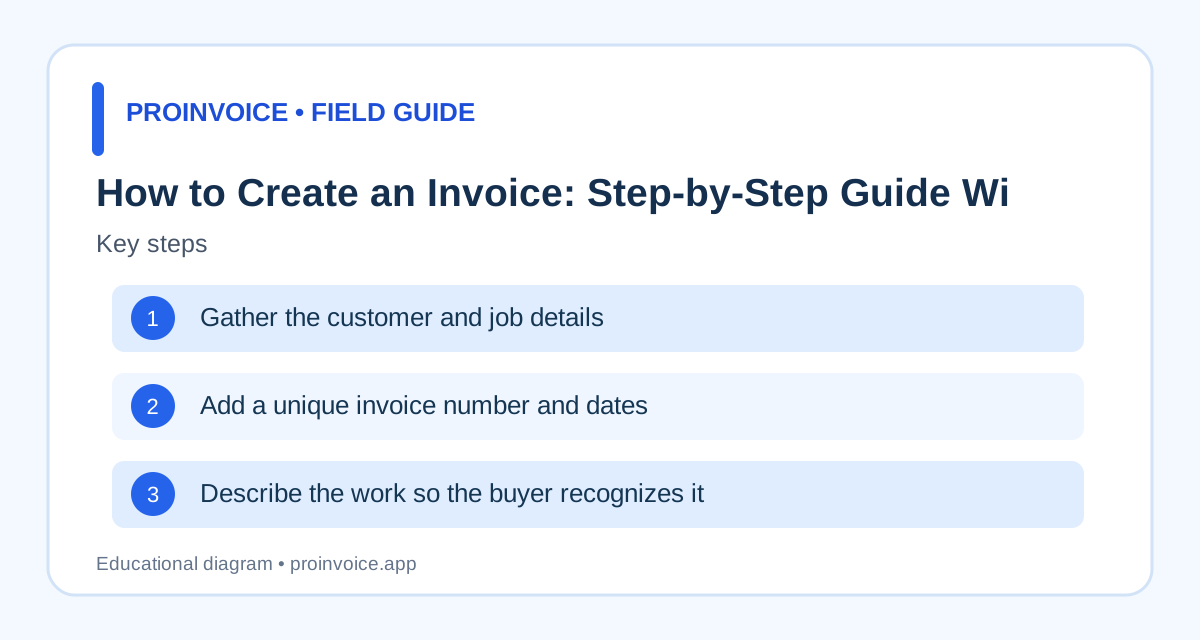
1. Gather the customer and job details
Before opening an invoice form, confirm the exact customer responsible for payment. The person who requested the work might not be the billing contact, especially for property managers and larger businesses. Gather the business name, customer billing name, service address when relevant, email address, and any purchase order or project reference. Keep the accepted estimate or written agreement available so descriptions and rates match what was approved. For a new customer, confirm the spelling of the billing entity and where the invoice must be delivered. A small error here can delay approval even when the work is complete. If you invoice several properties for one customer, distinguish the service address from the billing address. Start with creating your first invoice and use a consistent customer record.
2. Add a unique invoice number and dates
Every invoice needs an identifier you can search later. Choose a consistent numbering convention, such as INV-2026-001, and avoid reusing the same number for unrelated transactions. Record the issue date and an actual due date based on the agreement. If the customer agreed to payment within 15 days, calculate the date from the appropriate starting point rather than relying only on a vague label. Some commercial customers require their own purchase order reference, which should be included separately from your invoice number. For work billed in stages, identify the relevant milestone or service period. Do not create a new invoice number simply to disguise an old unpaid balance. If an issued invoice needs correction, keep a traceable record of the change. Read the payment terms guide before choosing due dates.
3. Describe the work so the buyer recognizes it
An invoice should explain what was delivered, not simply say services rendered. For a painter, list the rooms or surfaces completed. For a consultant, describe the project phase or agreed hours. For a plumber, identify the fixture and repair performed. The description should match the estimate and any approved change orders. Include quantities and unit rates when the agreement calls for them; for fixed-price work, state the deliverable and agreed price. Avoid adding a detailed hourly breakdown if the customer agreed to a fixed project fee and the contract does not require one. The objective is to let the customer verify the charge without calling you. The contractor invoice template and consulting invoice template illustrate different line-item approaches.
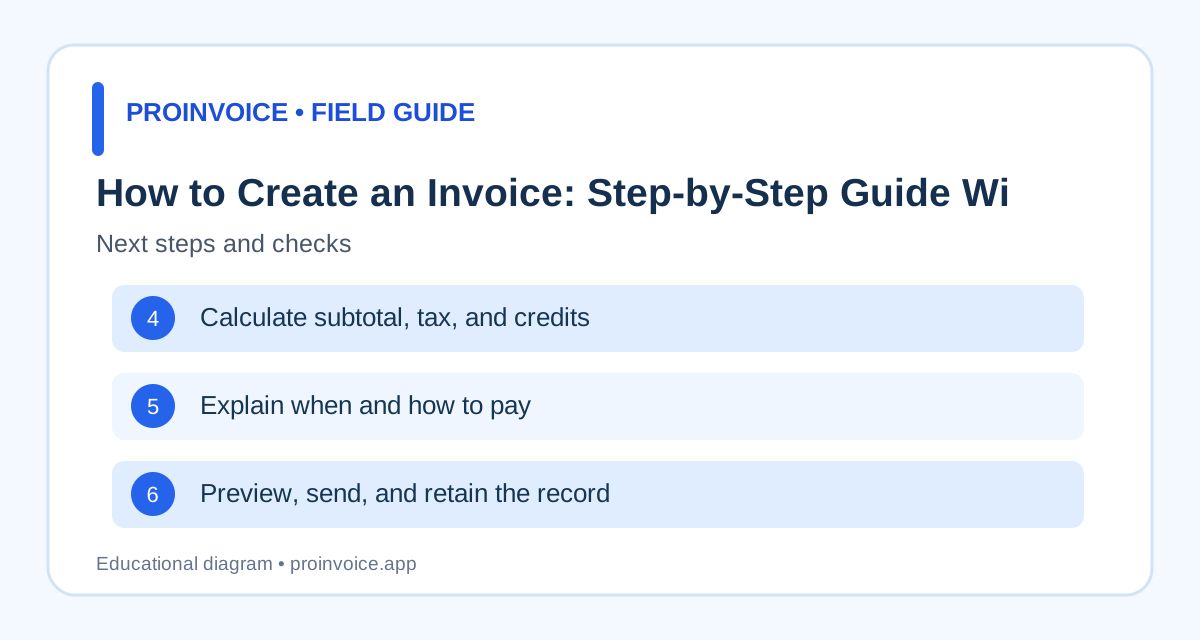
4. Calculate subtotal, tax, and credits
Multiply each quantity by its rate and check the sum. For example, four labor hours at $80 are $320. Add $150 of agreed materials and the subtotal is $470. If the customer already paid a $100 deposit, the remaining balance is $370 before any applicable taxes or other authorized adjustments. Tax treatment depends on the jurisdiction and type of transaction; do not copy a percentage from an unrelated invoice. Display discounts, deposits, and previous partial payments as separate adjustments so the customer can reconstruct the balance. A polished template does not prevent arithmetic mistakes, so preview the final document. If an online checkout link is generated, confirm it requests the remaining amount rather than the original total. See the deposit collection guide for more examples.
5. Explain when and how to pay
Make the balance due prominent and give a specific payment deadline. State accepted payment methods and include a secure checkout link only if it is correctly configured. Never ask a customer to email complete card details. For bank transfers, verify the account instructions through an established channel, especially when they change. If the contract calls for a deposit, a milestone payment, or payment on completion, reflect that arrangement on the invoice. Do not add a late fee that was not agreed or permitted by law. Customers should not need to search an email thread to learn where to pay. Test the payment experience on a phone, because many customers open invoices there. ProInvoice users can review setting up payment links for supported workflows.
6. Preview, send, and retain the record
Before sending, check the recipient, dates, line items, math, tax treatment, prior payments, and checkout destination. Confirm that the invoice is readable on mobile and that any PDF or print version does not cut off the total. Deliver it through the customer's agreed channel; some companies require an accounts-payable portal rather than email. Record when it was sent and keep the invoice with the estimate, approvals, and receipts. If payment arrives, reconcile the transaction and issue a suitable confirmation. A customer opening a payment page is not proof that a payment succeeded. If the invoice remains unpaid, verify delivery before escalating. The getting paid faster guide covers a measured follow-up process.
7. Use a template without copying mistakes
A reusable template can save time, but it should never carry over the previous customer's name, invoice number, or charges. Set stable business details once, then review all job-specific fields each time. Select a layout suited to your work: a photographer needs deliverables and licensing references, while a contractor may need job addresses and progress payments. Try a real example before adopting a template across the business. Compare the invoice template library with the estimate template library, and remember that an estimate proposes a price while an invoice requests payment. A repeatable checklist makes invoice creation faster without sacrificing accuracy.
How to bill a fixed-price project without confusion
A fixed-price invoice should state which agreed deliverable or milestone is being billed, the corresponding contract reference, and the amount due for that stage. Suppose a customer accepts a $2,400 design project with $600 due on approval, $900 due after first delivery, and $900 on completion. The second invoice should identify the $900 milestone, not present the entire $2,400 as currently due. Keep previous payment records visible in the customer account and explain whether the invoice is one of several bills under the contract. If the customer requested extra work, obtain approval and document the changed price before including it. This protects both sides from disputes about scope. Avoid creating a misleading quantity of hours for a fixed-price contract merely because the form has a rate column. A quantity of one with a descriptive milestone and agreed amount may be clearer. Check that sales tax treatment and other contractual adjustments are appropriate before issuing the document.
How to handle partial payments correctly
Partial payments change the balance, not the underlying description of the work. If an invoice was issued for $1,250 and the customer pays $400, the outstanding balance becomes $850, assuming no other adjustments. Record the payment date, method, transaction reference, and amount against the original invoice. A receipt can confirm the $400 received without suggesting the invoice has been fully settled. If another $300 arrives, the balance becomes $550. Do not send automated reminders for the original $1,250 after those payments. If a processor sends a payout net of fees, reconcile the gross customer payment and fee separately instead of treating the smaller bank deposit as an underpayment. If a transaction is reversed or refunded, update the record and communicate the corrected balance. This process matters especially when customers pay deposits, installments, or by several payment methods.
How to correct an invoice after sending
Mistakes happen: a customer name may be wrong, a quantity may be duplicated, or an agreed deposit may be missing. First determine whether the invoice has already been paid or entered into the customer's accounting system. Explain the correction clearly and preserve a record of the original document. Depending on the situation and applicable accounting or tax requirements, a corrected invoice, credit note, or other adjustment may be appropriate. Do not quietly overwrite an issued invoice in a way that makes prior payments or correspondence impossible to reconcile. If the correction lowers the balance, make sure any checkout link is updated before asking the customer to pay. If the invoice went to the wrong recipient, address the disclosure and resend to the verified billing contact. A consistent correction process is more professional than pretending errors never occur.
What to do when an invoice is overdue
Start by checking whether the customer received the invoice and whether the amount and due date are correct. Send a concise reminder with the invoice number, outstanding balance, due date, and available payment method. Ask whether there is a billing dispute or missing purchase order rather than assuming deliberate nonpayment. If the customer has already sent funds, reconcile the transaction before sending another demand. For repeat clients, establish a regular reminder schedule and document responses. Escalation options depend on the contract, amount, relationship, and applicable law. Do not threaten legal action or late fees without a basis. For future work, consider written estimates, milestone payments, and clear acceptance terms to reduce ambiguity. The goal is to resolve the specific unpaid balance while maintaining an accurate record and a workable customer relationship.
A final invoice review checklist
Read the invoice as if you were the customer. Can you identify the business, recognize the work, understand the quantity and price, and see the correct amount due? Are the issue and due dates present? Is the invoice number unique? Do deposits and credits appear exactly once? Are taxes and other charges applied correctly for this transaction? Does the payment link, if enabled, point to the intended merchant and balance? Are customer contact details and purchase order references accurate? Does the document display properly on a phone and as a PDF? Finally, confirm the customer is being invoiced at the agreed point in the project. A two-minute review can prevent delays that take much longer to resolve. Keep this checklist beside your template until it becomes routine.
Invoice a customer who requires purchase orders
Some customers, especially property managers and larger companies, will reject an otherwise correct invoice if a required purchase order number is missing. Ask about their accounts-payable requirements before the work begins. Confirm the correct legal billing entity, vendor number if assigned, purchase order reference, and approved billing channel. The job-site contact may not have authority to approve a charge, so do not assume that a verbal instruction replaces the customer's purchasing process. If a purchase order has a spending cap, verify whether the work fits within it or requires an amended authorization. Attach or reference the approved estimate when appropriate. When the customer asks for a correction, retain a traceable version history and use the same invoice reference if their system requires it. These steps reduce administrative rejections without changing the actual agreed price.
Decide when to send the invoice
The right time to invoice depends on the agreement, not on a universal rule. A retail transaction may be billed immediately, a consultant may invoice monthly, and a contractor may invoice after completion or an agreed milestone. If you bill before delivering work, distinguish an advance payment request from a final invoice and check applicable requirements. Do not send the same project total as due at every milestone. For recurring services, specify the service period so the customer knows what the charge covers. If work was paused or changed, reconcile the accepted scope before billing. Clear timing helps the customer plan approval and helps your business forecast cash flow. It also reduces disputes over invoices sent before the customer believes the billing event occurred.
Create an audit trail for every invoice
Keep the accepted estimate or contract, approved changes, issued invoice, delivery confirmation where available, payment records, and receipts together. Record the invoice number and customer reference consistently. If a payment processor reports a successful charge, match the transaction to the invoice rather than assuming the bank payout amount will equal the gross charge. If an invoice is corrected, preserve the earlier version or an adjustment record. Do not rely solely on email searches or filenames like final-v2 to reconstruct a transaction months later. A simple ledger can include issue date, due date, original total, credits, paid amount, and remaining balance. This record supports professional customer service, collections, and accounting reviews. The goal is to explain what was billed and why, not to generate unnecessary paperwork.